Always resume
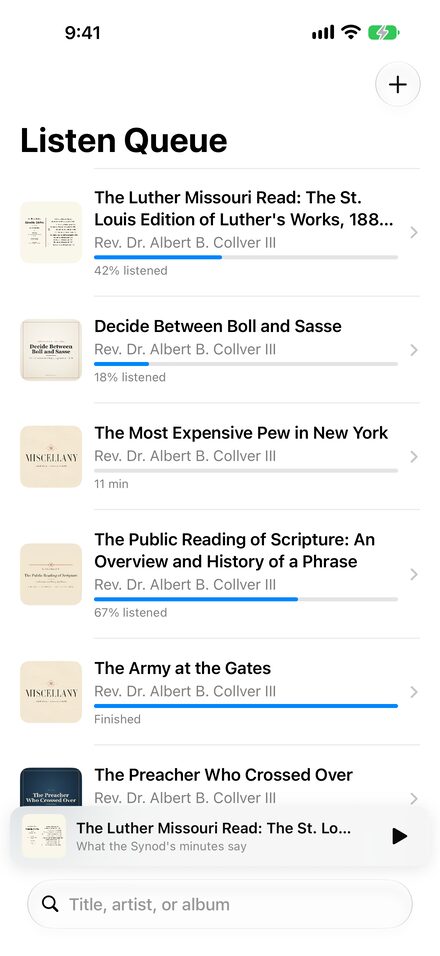
Pause, lock your screen, take a call, or close the app. Listen Queue saves your place as you listen, and the item you were playing is waiting when you come back.
 Listen Queue
Public beta
Listen Queue
Public beta
Spoken audio, without losing your place
The article read aloud, the sermon, the lecture. Listen Queue downloads it once, keeps it on your iPhone or iPad, and returns you to the sentence where you stopped.
Built for long listening
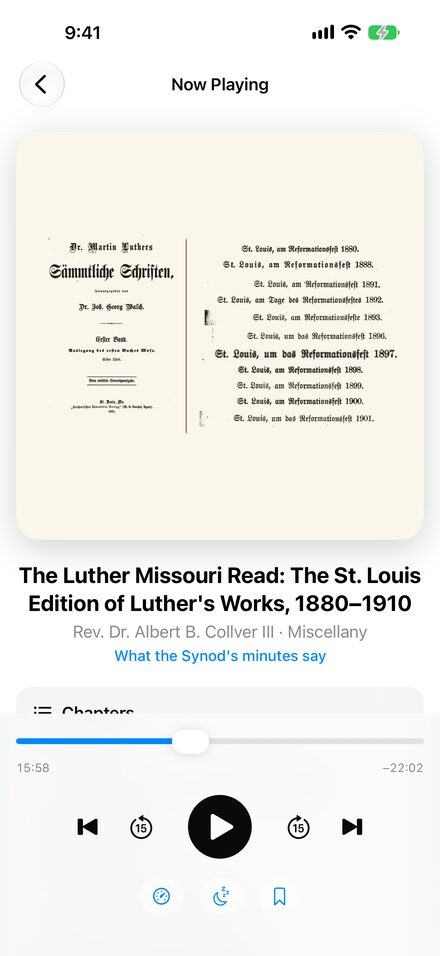
Browser playback forgets your place the moment something interrupts it. Listen Queue keeps the file and keeps your place.
Pause, lock your screen, take a call, or close the app. Listen Queue saves your place as you listen, and the item you were playing is waiting when you come back.
Paste a direct link to an audio file, or share one from Safari with the Share button. The download continues in the background, with progress shown.
Add audio saved in Files or iCloud Drive, or open audio sent by AirDrop. The app keeps its own copy.
One switch trims low rumble, brings consonants forward, and evens out loud and quiet passages without turning the volume down.
Stop in 15, 30, 45, or 60 minutes, or at the end of the current chapter.
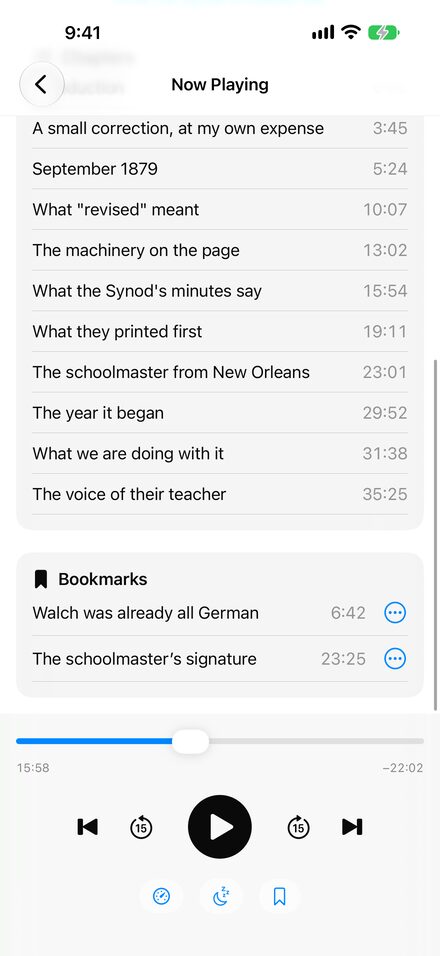
Listen Queue reads the title, cover art, and chapter markers embedded in the file. Jump between chapters, and save any moment as a bookmark with a note.
Keep listening with the screen locked. Title, cover art, progress, play and pause, and 15-second skips stay on the Lock Screen, in Control Center, and in the Dynamic Island. Playback pauses when headphones are disconnected.
Three simple steps
Paste or share a direct link to an MP3 or other audio file, or choose a file from Files.
Listen Queue keeps the file on your device and reads its title, cover art, and chapters.
Your place, speed, and bookmarks are ready the next time you open the app.
Plays well with your files
MPA files play when they contain MP3 audio. Every download is checked before it is added, so a webpage or unsupported file is never mistaken for audio.
Privacy, plainly stated
No account, no advertising, and no analytics or tracking. Listen Queue downloads the link you give it and keeps the audio, cover art, and your listening history on your device.
Read the privacy policyFor iPhone and iPad
Listen Queue is free and in public beta on TestFlight. The App Store release follows Apple’s review.